
Tab spotlight
Search every open tab across all windows by title or URL with instant filtering.
Chrome extension
SpotTab opens a side panel to search open tabs by title or URL, jump between windows, and clean up duplicates and idle tabs — without hunting through crowded tab bars.
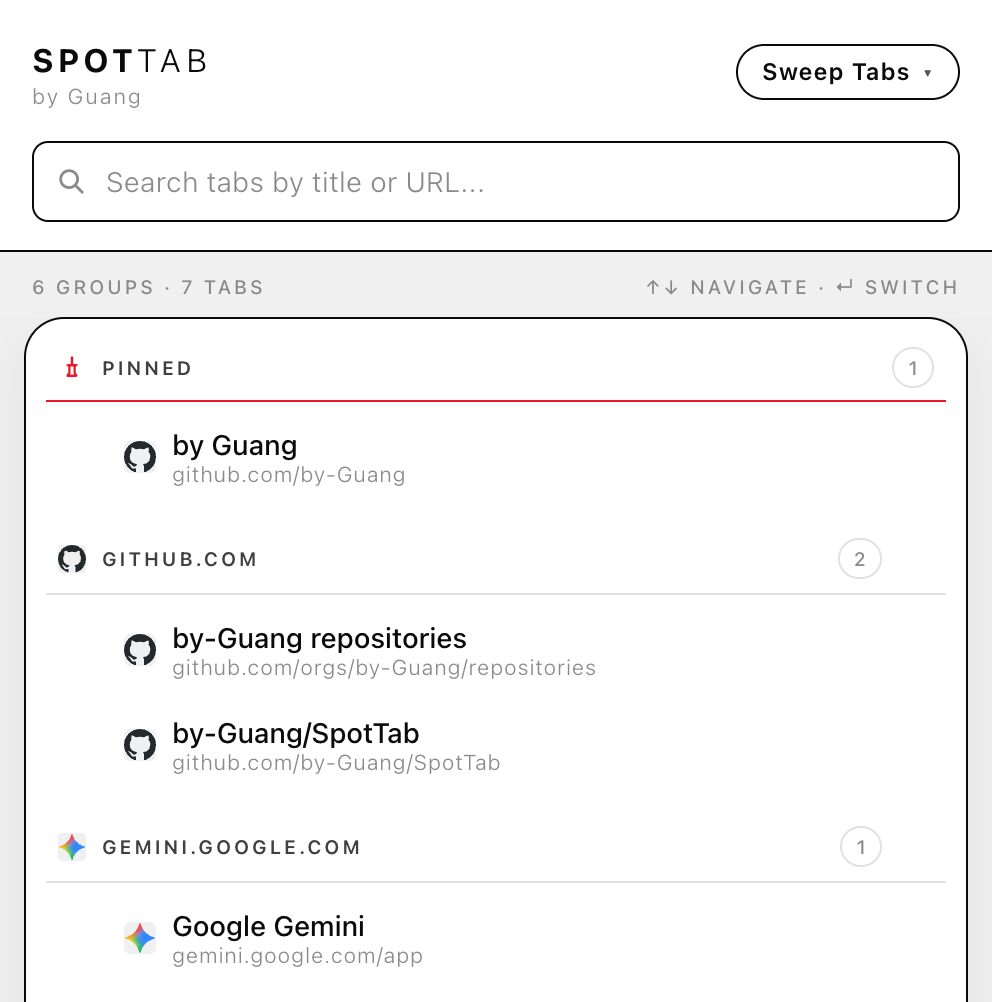
One narrow purpose: help you find, switch to, and manage open tabs from a single side panel.
Search every open tab across all windows by title or URL with instant filtering.
See tabs grouped by window and site, with your current window highlighted.
Close duplicates, blank tabs, discarded tabs, idle tabs, or tabs not used today.